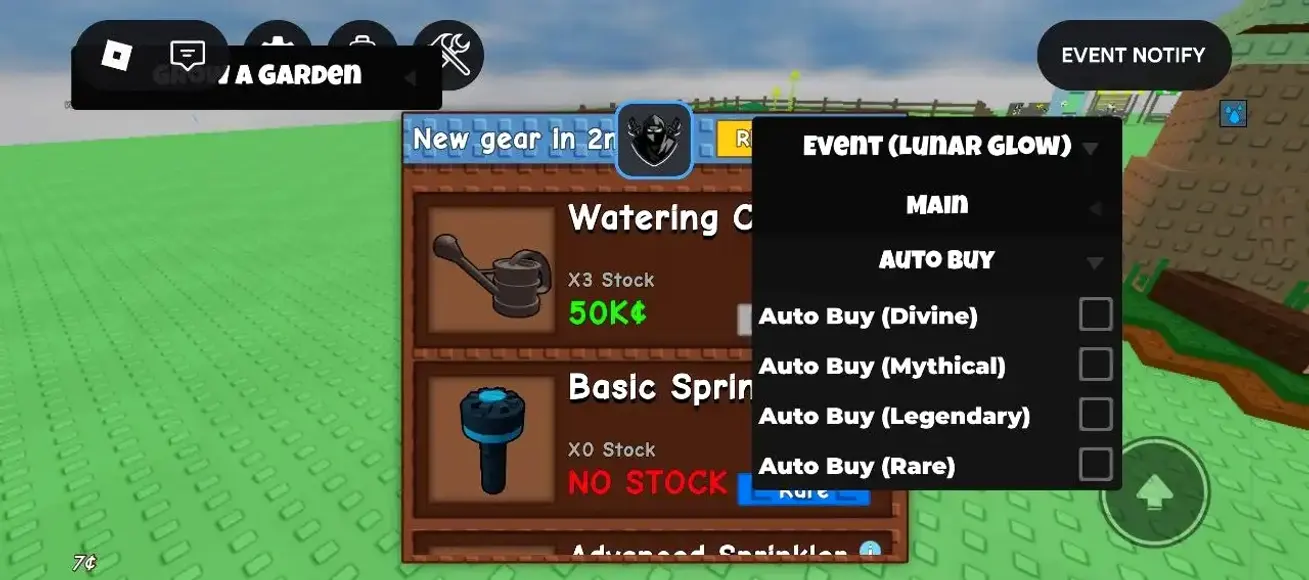
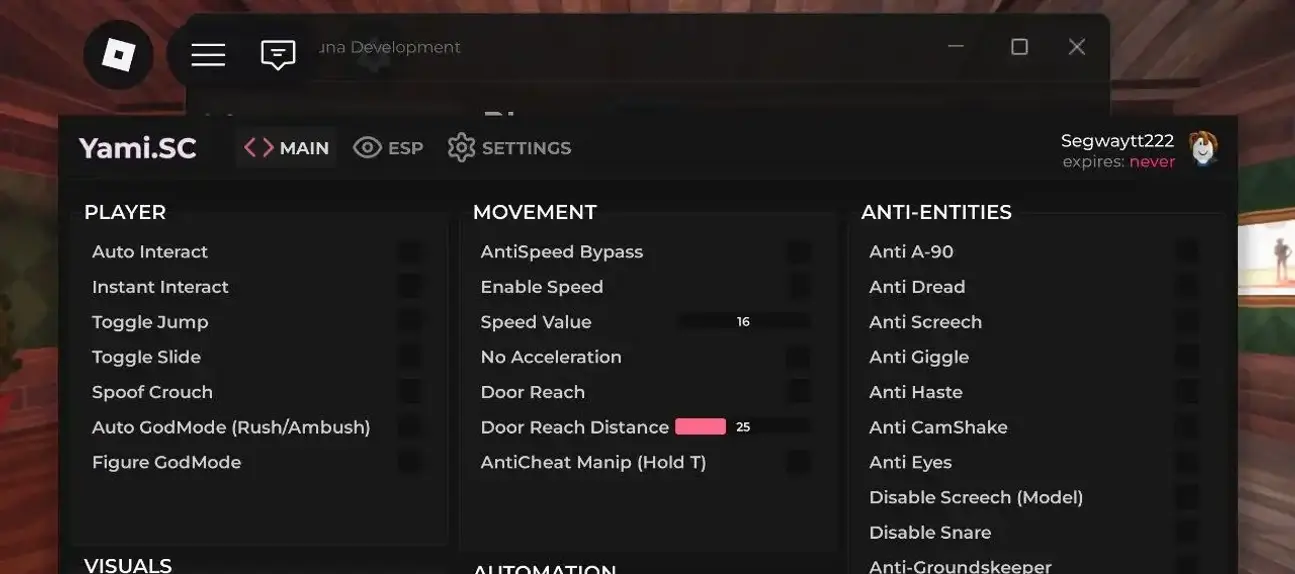
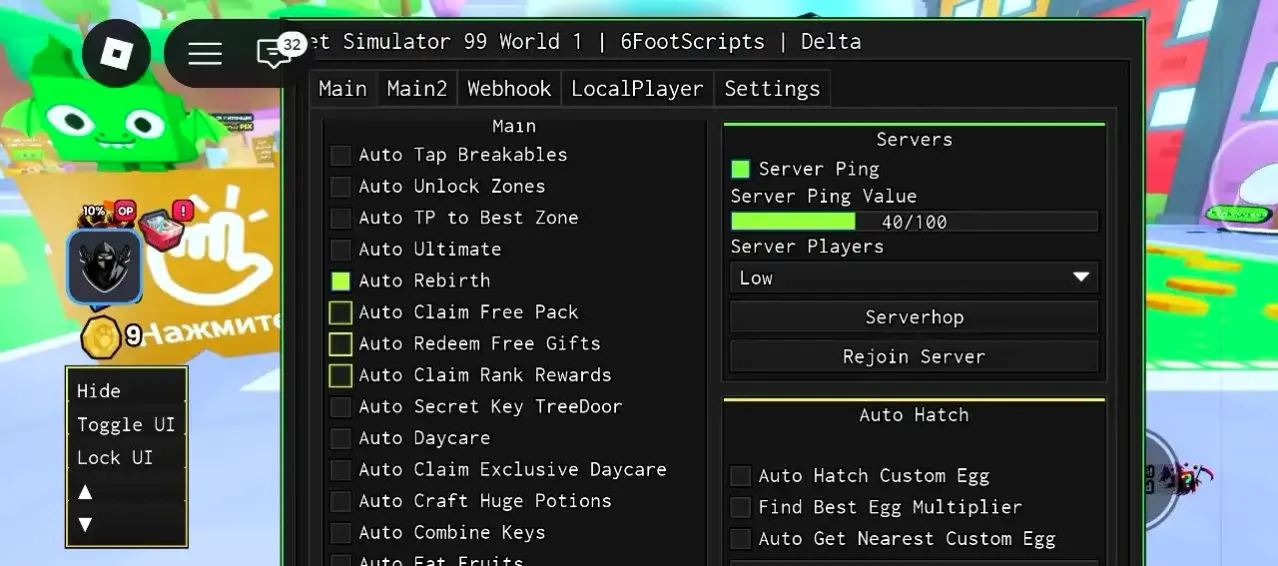
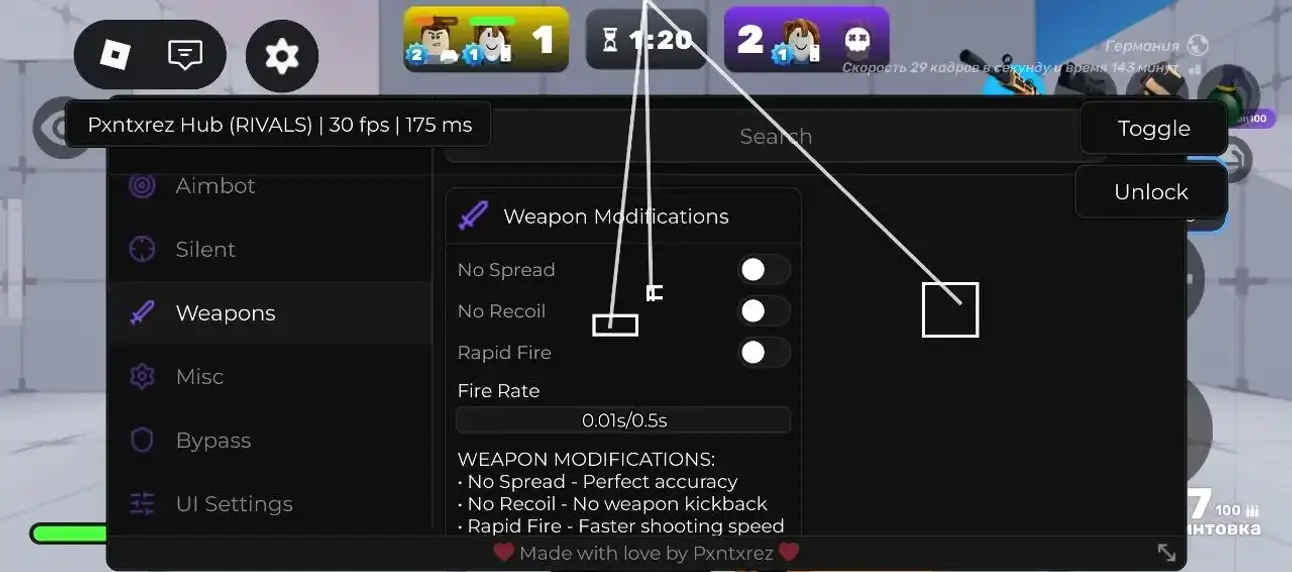
Solix Hub for Steal an Egg lists egg farming with Smart Tween up to 800 studs/s, placement, God Mode, night farming, friend exclusion and dropped-egg targeting. Sales filters, claims, treadmill actions, rebirths and predictions are also listed. This module requires a key.
BigFroot for Steal an Egg lists zone, category, rarity and mutation filters, minimum weight, target priority and return options. Other controls cover the dragon wave, traps, glide speed, pets, Sakura, Fuse, gifts and a webhook. The loader uses Luarmor.
Start with the Roblox game you are playing, then look for the task you want a script to help with. Xeno Scripts keeps the available entries on this page, so you can compare their descriptions before choosing. Each card gives you its own code: DOWNLOAD opens a separate page for the Lua file, while Copy keeps the complete source ready to paste. Read the game, feature and key information together. A familiar name or a useful menu is a starting point for your choice, not proof that the same option fits every game, device or executor.
Xeno Scripts for Roblox Games
A Roblox script often expects particular objects, menus and tasks inside a game. Those details can differ even when two experiences look similar. Choose a game from the available filters and read the matching cards. The game list reflects the actual catalog; a game that is absent from that list is not an available option merely because somebody searches for it.
Xeno Scripts for Blox Fruits, MM2 and 99 Nights
Compare the script's own name, its game label and its description. If a hub includes several game modules, check which module the card describes instead of assuming that every part of the hub is included. A variant made for one experience should not be treated as a replacement for another.
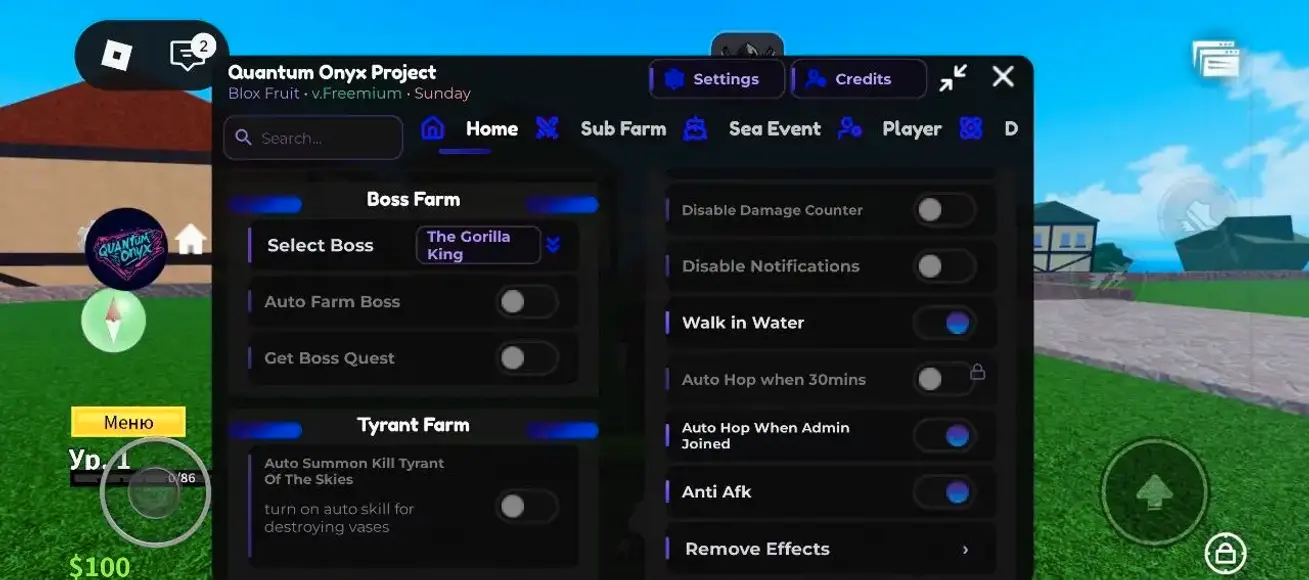
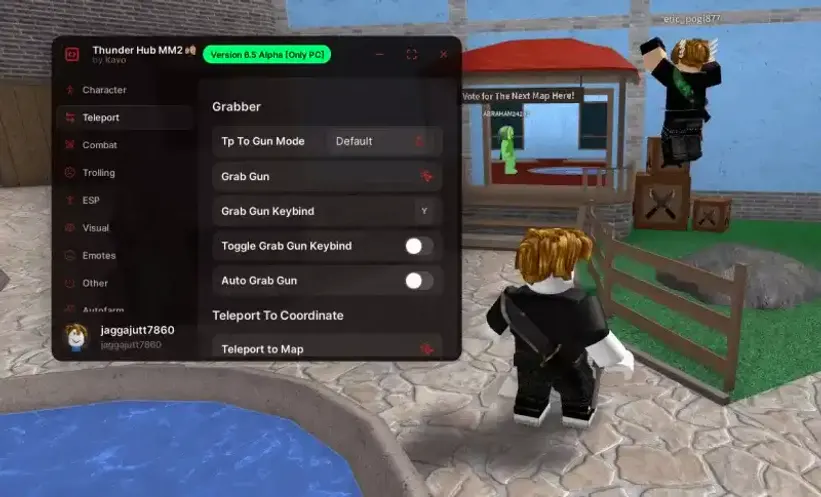
In the published catalog, QuantumOnyx is listed for Blox Fruits with Auto Farm and fruit features. The MM2 entry describes Auto Farm and an admin panel, while 99 Nights in Forest lists Auto Farm and teleporting. These are different entries with different game labels. Compare their cards rather than assuming one game's automation performs another game's tasks.
Keep the card's name when reporting a problem. Two entries can have similar titles yet contain different code or depend on different features. Choose by the details that matter to your session: the intended game, the available controls, the key requirement and the actual source. Changing your search terms helps you compare choices; it does not change the code behind a card.
Auto Farm, ESP and Aim Features
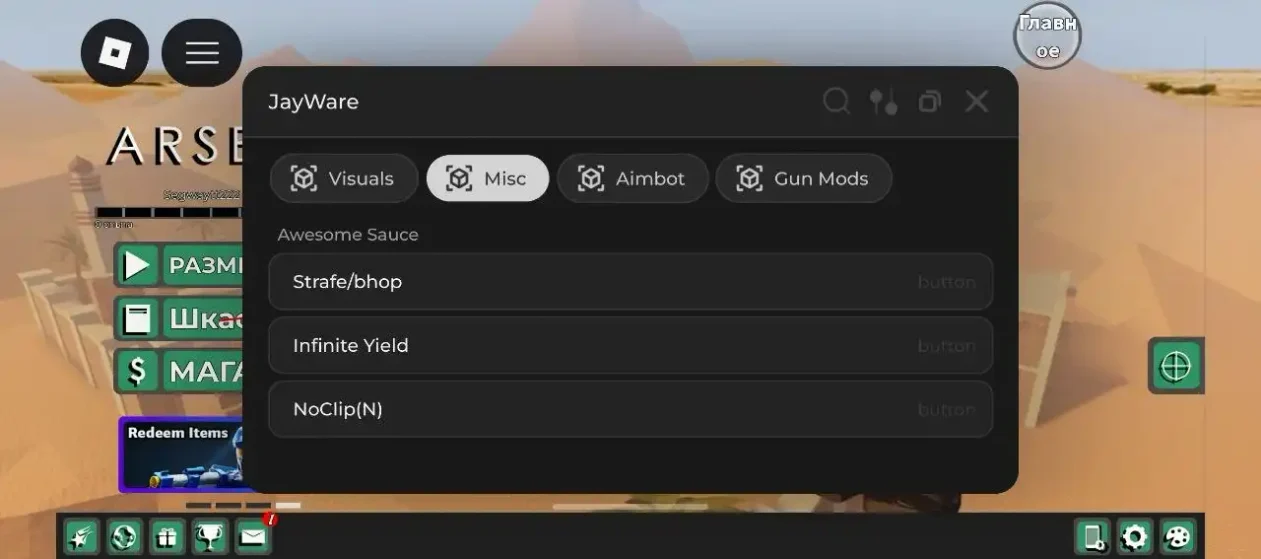
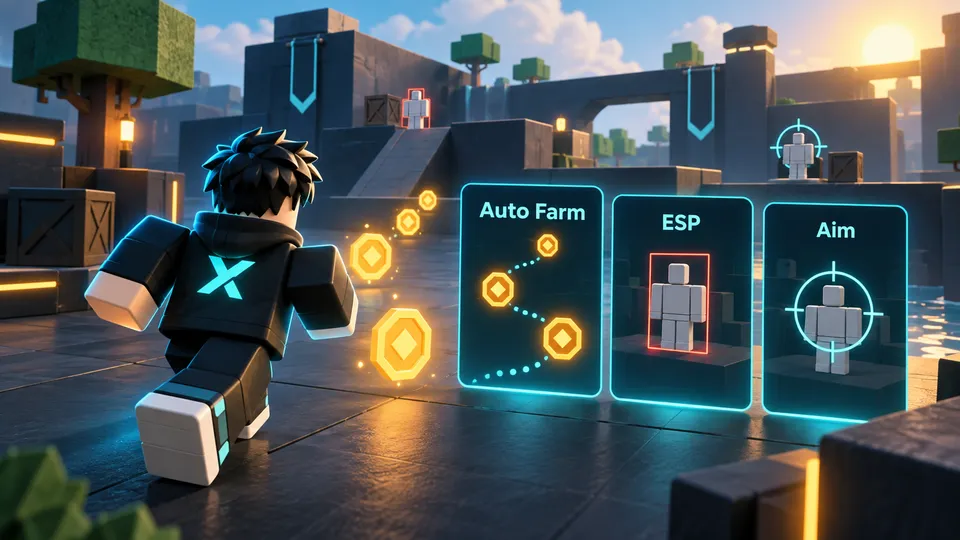
Think about the action you need before selecting a feature. Auto Farm describes automation of a game's tasks, but the tasks depend on the particular script. ESP generally describes additional visual information. Aim features concern targeting, and labels such as Aimlock and Silent Aim should not be treated as interchangeable. Only the functions listed for an entry belong to that entry.
Choose Features for Your Roblox Game
The table explains feature types; it is not a promise that every type is available in today's catalog. Use the actual cards to check what an author describes. A concise feature list is more useful than a title saying that a script does everything.
How to read common feature labels
Type
What to check in a card
Auto Farm
The specific task, items or progression involved
ESP
Which objects or players are displayed
Aim
The particular targeting behavior and game
Movement
The described action and its limits
Interface
How the menu opens and which controls it uses
A movement option, for example, can have a very different purpose from an information overlay. Comparing those purposes helps you avoid downloading an unrelated tool because its title sounds exciting.
Xeno Scripts with No Key or a Key System
A No Key label refers to the individual script. It tells you that this entry is listed without a script key requirement. It does not describe the licensing, installation or access rules of every executor, every hub or a different script with a similar name. Read the label on the exact card you intend to use.
How Xeno Script Keys and Executor Keys Differ
A script author may require a key before a menu or feature becomes available. The program used to run the script can have its own separate requirements. Satisfying one requirement does not automatically satisfy the other. If a card says that a key is required, use the author's stated process and check that you are looking at the correct script variant.
When a key does not work, record the message and which step failed. Do not substitute a key from an unrelated project or send private account credentials to somebody offering a shortcut. A missing No Key badge should not be interpreted as confirmation that a script is keyless. The catalog can show only the requirements that belong to its published entries.
Copy Code or Download a Lua File
DOWNLOAD appears before the full code on each card. It opens the download page for the selected script, where a 15-second wait precedes the file link. The resulting .lua file contains that card's script; it is a source file rather than an executor installer. Copy is the direct alternative when you want the text instead.
Keep the Full Script Code Intact
Copy the whole block, including any comments and quoted addresses. Removing a quote, copying only the visible first line or adding extra text can change how the source behaves. If copying is unavailable in your browser, select the complete code manually. Keep the original version when comparing an error, so you can distinguish an editing mistake from a problem with the selected script.
A short loader can still rely on an external source. Saving its text does not save every remote dependency or guarantee that the remote content will remain available.
How to Use Xeno Scripts on a Windows PC
First choose the game and the script card, then check the requirements given by the script author and your executor's own instructions. Copy or download the source without modifying it. The detailed installation and startup steps for an executor belong to that program's documentation, because a catalog cannot replace the instructions for a particular build.
Match Xeno Scripts to Your Executor Build
A card listed for Xeno tells you how the entry is assigned in the catalog. It does not by itself prove a test on your Windows version, executor build or current game session. A reported working status describes the report attached to the entry; an actual test needs a specific configuration. Avoid treating a recent catalog update as a fresh test of every function.
For information about the executor itself, visit Xeno Executor. Check the program's published platform and setup information there. Do not infer a Windows requirement or a version number from a screenshot, a search result or the script's filename.
Delta and Solara also have their own environments and requirements. A script offered for one program is not automatically compatible with the others. Compare the individual entry and documented dependencies rather than assuming that all Lua text needs the same runtime functions.
Android, iPhone and iPad: What Changes?
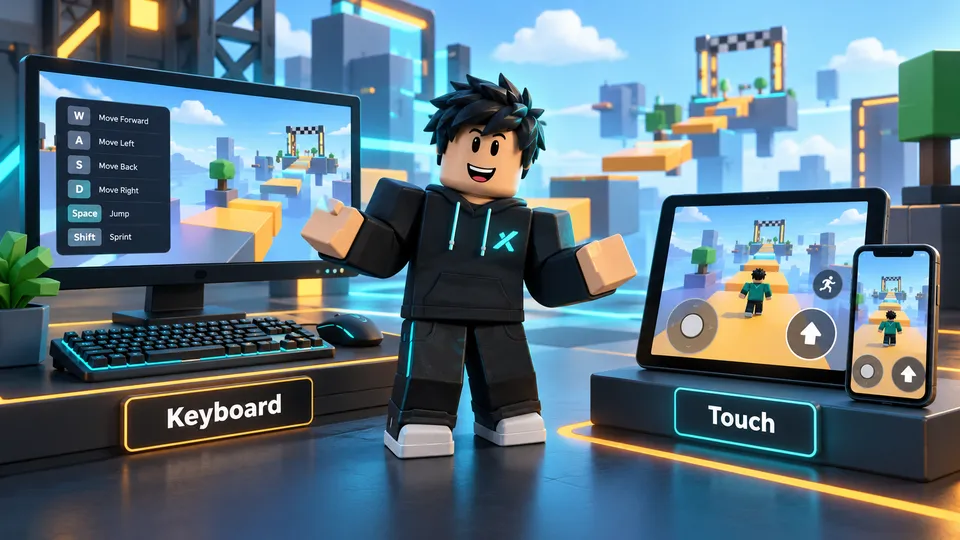
You can browse this site, read the full source and choose a Lua download on a phone. Those website actions do not establish that a specific executor is available for that phone or that a script menu supports touch. Treat browsing, program support and script controls as three separate questions.
Mobile Browsing, Touch Controls and Supported Executors
On Android, first consult the documentation of the executor you actually use. Check whether the selected script needs runtime functions that program provides. A menu that expects a keyboard shortcut may need an explicitly supported touch control; a narrow display alone does not add one. This catalog does not offer an Xeno APK based on a mobile search phrase.
On iPhone and iPad, verify the same questions independently. An Android claim does not establish iOS support, and downloading a Lua file does not install an iPhone application. Use the available file and clipboard actions for the source, then check the software author's platform instructions. There is no basis to promise an Xeno IPA without a confirmed release.
If a menu opens but part of it is unreachable, note the device, orientation and missing control. That observation is more useful than describing every mobile problem as a failed script.
Xeno Scripts, Universal Tools and Game Hubs
A standalone script can focus on one task. A named hub can organize several menus or game modules. A universal tool may aim to work across multiple experiences, yet still depend on particular objects, permissions or runtime functions. Read which of those descriptions actually applies to a card instead of using the most ambitious interpretation of its name.
Choosing Universal Xeno Scripts
Universal is a description of intended scope, not a guarantee that every function works everywhere. Look for the stated purpose and known limits. If a hub has a game selector, make sure the chosen module corresponds to your experience. Its own project name stays useful when you compare versions or seek the author's instructions.
Search by a hub's name when you know it, then compare the returned entry. Do not assume that a familiar project is present when the catalog has no matching card. Likewise, a compatible-looking title cannot confirm support for an unpublished variant. Download the specific card you selected and keep its identity with the saved file.
Roblox Cheats and Hack Features: What to Expect
Players use words such as cheats and hacks for many different features: information overlays, automation, movement tools and targeting options. The useful question is what the particular script changes in the particular game. Those broad labels do not tell you whether it needs a key, which program can run it or how its controls behave.
Why Features Differ Between Games
Games can organize objects and actions differently, and their updates can change those details. An Auto Farm routine designed around one task is not automatically meaningful in another experience. An overlay can show only the objects its code can identify. Check the feature description and the author's limits before comparing two entries.
Use Roblox and the game's rules when deciding what to run. The catalog does not grant permission from a game developer or guarantee that an account will face no consequences. You can still make a clearer choice by keeping the game, source and intended function together.
Why Xeno Scripts May Stop Working
When a script fails, begin with the visible symptom. Did the source fail to load, did the menu remain closed, or did one function stop responding? Check the full copied text, the intended game and the selected module. Those simple observations distinguish several problems that otherwise all sound like “not working.”
Xeno Script Errors After Roblox Updates
An update can change game objects or a required runtime function. An external code address can also become unavailable without a game update. Record any message and whether the failure happens before or after the menu opens. Do not replace random lines or disable computer protections as a general troubleshooting step.
Send the script name or key, the page address and a concise description to best.rbx.scripts@gmail.com. Your device and executor version can help when you know them. Never include session cookies, access tokens or passwords. A useful report describes what happened; it does not need private account access.
Xeno Scripts FAQ
Quick Answers About Xeno Scripts
Which scripts can I use with Xeno?
Start with the actual published cards, their game labels and requirements. Being listed for Xeno is a catalog association; check the conditions of the exact variant you select.
Are all Xeno scripts keyless?
No. Read the individual card's key requirement. A script's key and an executor's access requirement are separate.
How do I download a Lua script?
Choose DOWNLOAD on its card, wait 15 seconds on the next page, then use the file link. Copy provides the full source directly on this page.
Can I use these scripts on Android or iOS?
You can browse and obtain code on either device. Running it depends on an available executor, its required functions and the script's touch controls.
Why does a script menu fail to open?
Check incomplete copying, the game or module, an unavailable external source and required runtime functions. Include the visible symptom when reporting the issue.
Where can I find Xeno Executor?
Follow the Xeno Executor link in the PC section for information about the program. A Lua file from this catalog is not that program's installer.